How to submit a meter reading
There are many reasons to submit a meter reading. It helps ensures accuracy on your bills and avoids unexpected costs by tracking your usage and payments. While it is not required to read a smart electricity meter, if there are connectivity issues, a meter reader may call to take a reading. Read our article to understand how to get a smart meter reading.
Locate your electric or gas meter
Depending on your residence, the meter may be located in different areas, such as your basement, garage or porch. If you live in an apartment building, meters are often grouped together in one place.
Take note of day and night meter figures
To take note of the figures, make sure to read the meter at the correct times – day and night. This ensures the readings are correct and helps prevent inaccurate billing or the potential of being overcharged.
Read the numbers from left to right
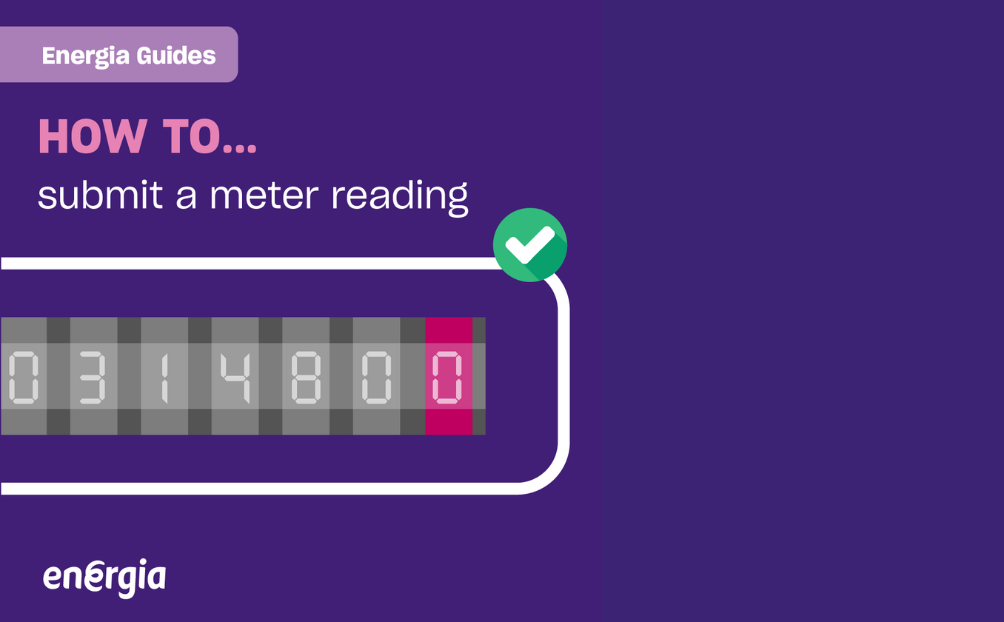
The numbers on the meter should be read from left to right and ignore any figures in red. As well as this, if the dial is between two numbers, round down to the lowest number.
Submit meter reading online
You can easily submit a meter reading online. After following the above steps, access your Energia Online account. Need help finding your MPRN? It can be found by checking the top left or bottom right of your latest electricity bill.
Once logged in, a prompt will take you directly to the meter reading screen when the meter reading window is open. Go to 'My Account' and choose Meter Readings from the menu. Enter your reading into the box and submit it.
With Energia, you can submit your gas or electric meter reading in three ways:
- Via Online, as described above.
- By sending a text directly to ESB Networks at 087 960 9223. This can be sent in the format of your unique 11-digit MPRN, followed by a space and then the meter reading.
- By calling Gas Networks Ireland at 1800 427 732 to submit gas meter readings.
You can also check out our smart meter plans page to see options that work best with your meter type and energy habits.
How often is your meter read?
Your meter is usually read four times a year. Electricity meters are read by ESB Networks, and gas meters are read by Gas Networks Ireland. The readings are then sent to us so we can create your bill. If a reading is not available, we may ask you to submit a meter reading yourself. This helps you avoid estimated bills and keeps your account accurate.
If you have a reconfigured smart meter with a good signal, it can send readings automatically. If your smart meter has not been reconfigured, it will not send automatic readings and you may need to send them yourself.
Want to understand what is a smart meter and why some readings are sent automatically? Start with our smart-meter guide.
FAQs: How to submit a meter reading
How do you submit meter reading details online?
You can submit meter reading details by logging in to your Energia Online account, going to My Account, selecting Meter Readings, entering your reading and submitting it.
Why should you submit meter reading information?
You should submit meter reading information to help ensure your energy bills are accurate and based on your actual usage, rather than estimates.
Where can you find your MPRN to submit meter reading details?
You can usually find your MPRN on your latest electricity bill, often at the top left or bottom right of the bill.
Do you need to submit meter reading details for a smart meter?
You usually do not need to submit meter reading details for a smart electricity meter. However, a meter reader may call if there are connectivity issues.